Course Description
| Target Audience | Administrative and Operations Staff, Finance, Accounts, and Audit Officers, Business and Data Analysts, Sales, Marketing, and Reporting Officers, Project and Programme Staff, Managers and Supervisors, Professionals who prepare reports and presentations |
INTRODUCTION
Most professionals use Excel and PowerPoint every day, yet very few use them efficiently. Reports take longer than they should; data is manually repeated across files, and presentations often fail to clearly communicate insights. The result is wasted time, duplicated effort, and missed opportunities to influence decisions.
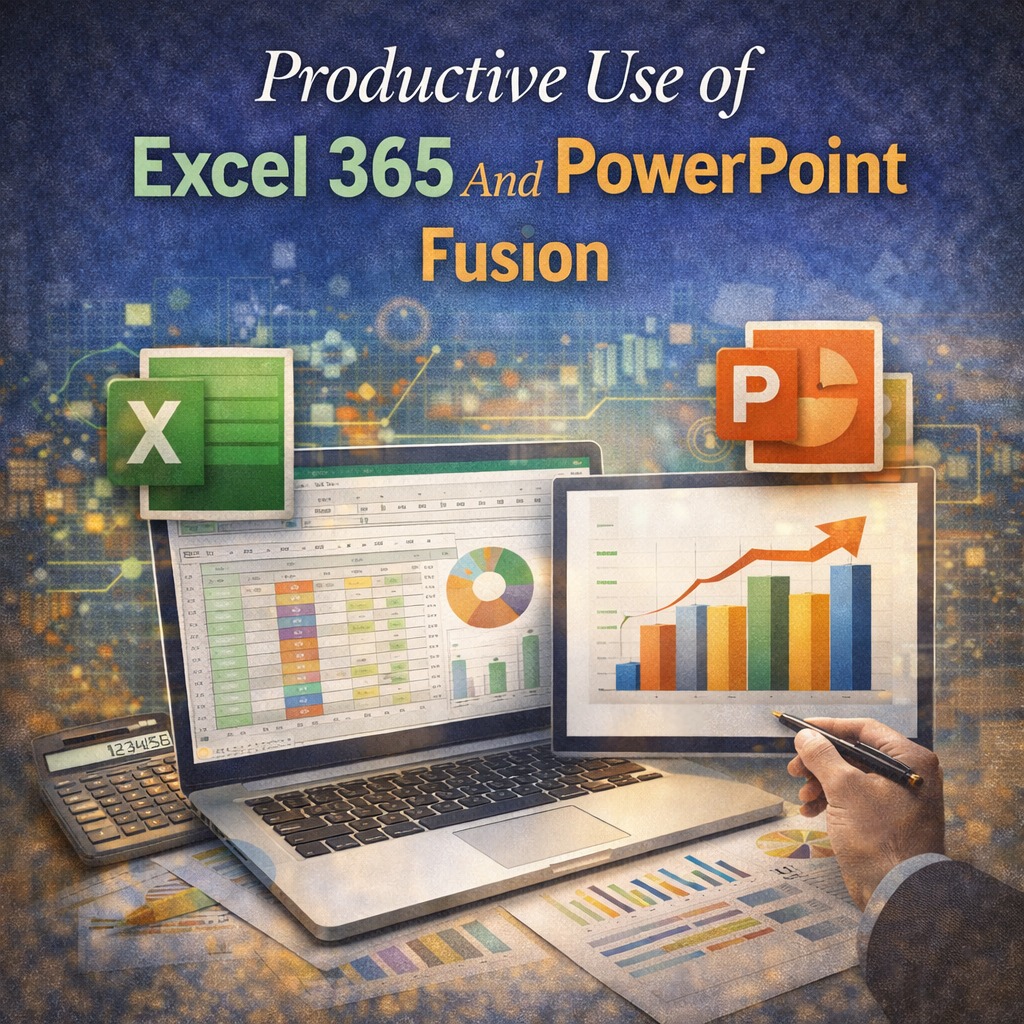
This three-day training is designed to help participants work smarter by combining the power of Excel 365 and PowerPoint in a practical, productivity-focused way. The training shows how data can be analyzed, structured, and updated in Excel, then seamlessly turned into clear, professional presentations in PowerPoint.
Rather than teaching features in isolation, the training focuses on how Excel and PowerPoint work together to support reporting, analysis, and communication in real workplace situations.
COURSE OBJECTIVES
By the end of this training, participants will be able to:
- Understand the leader’s role in driving team performance
- Set clear, meaningful, and achievable team objectives
- Aligning individual goals with organizational priorities
- Monitor and manage performance effectively
- Motivate and engage team members
- Provide constructive feedback and coaching
Address performance challenges confidently
COURSE OUTLINE
Module 1: Working Smarter with Excel 365
- Common productivity challenges in Excel
- Understanding how Excel 365 improves workflow
- File organization and best practices
Setting up worksheets for efficiency
Module 2: Data Entry, Formatting, and Structure
- Structuring data for easy analysis
- Smart use of tables
- Formatting for clarity and consistency
Avoiding common data entry mistakes
Module 3: Essential Formulas for Daily Work
- Key formulas used in business reporting
- Logical, text, and date functions
- Reducing repetitive tasks with formulas
- Practical workplace examples
Module 4: Data Cleaning and Error Control
- Identifying errors and inconsistencies
- Removing duplicates and unwanted data
- Validating data for accuracy
- Preparing data for reporting
Module 5: Data Analysis with Excel Tools
- Sorting and filtering large datasets
- Using pivot tables to summarize data
- Comparing results across periods
- Turning raw data into useful information
Module 6: Creating Charts that Make Sense
- Choosing the right chart for the message
- Designing clear and simple visuals
- Avoiding clutter and confusion
Making charts management-ready
Module 7: Automating and Speeding Up Work
- Using Excel features to save time
- Reusing formulas and templates
- Working with multiple sheets and files
Improving speed without sacrificing accuracy
Module 8: Preparing Data for PowerPoint
- Structuring Excel outputs for presentation
- Linking tables and charts to PowerPoint
- Ensuring consistency between data and slides
Updating reports without rework
Module 9: PowerPoint for Business Reporting
- Designing slides for clarity and impact
- Using layouts, themes, and slide masters
- Presenting numbers and charts clearly
Avoiding common presentation mistakes
Module 10: Integrating Excel and PowerPoint
- Linking Excel charts and tables to slides
- Keeping reports updated automatically
- Managing changes and versions
Building repeatable reporting templates
Module 11: Storytelling with Data
- Turning analysis into a clear message
- Structuring presentations for decision-makers
- Highlighting insights, not just numbers
Guiding your audience through the data
Module 12: Practical Reporting Case and Review
- End-to-end reporting exercise
- From Excel analysis to PowerPoint presentation
- Review and feedback
- Personal productivity improvement plan
Course Details
- Duration: 3 days
-
Available Formats:
- Physical Attendance - ₦260,000
- Virtual Attendance - ₦220,000
-
Available Dates:
- Jul 06, 2026
- Sep 08, 2026